
Smartphones have become an essential part of our daily lives. From online banking and social media to emails and personal photos, our phones store valuable data. However, with the rise of mobile usage, cybercriminals are increasingly targeting smartphones with malware. If you want to keep your device safe and secure, this guide will show you how to protect your phone from malware effectively.
What Is Mobile Malware?
Mobile malware is malicious software designed to harm your phone, steal personal data, display unwanted ads, or take control of your device without permission. Malware can come in many forms, including viruses, spyware, trojans, ransomware, and adware. Android users are more vulnerable because Android allows third-party app installations.
Why Phone Security Is Important
Malware can slow down your phone, drain battery life, steal passwords, access private photos, and even perform unauthorized transactions. Protecting your smartphone not only safeguards your personal data but also ensures smooth device performance and long-term security.
1. Download Apps Only from Trusted Sources
The most common way malware enters a phone is through unsafe apps. Always download applications from trusted platforms like the Google Play Store or reliable websites such as apk4r.org that provide verified and malware-free content.
Avoid downloading apps from unknown websites, pop-up ads, or suspicious links. Before installing any app, check its ratings, reviews, and developer information.
2. Keep Your Phone and Apps Updated
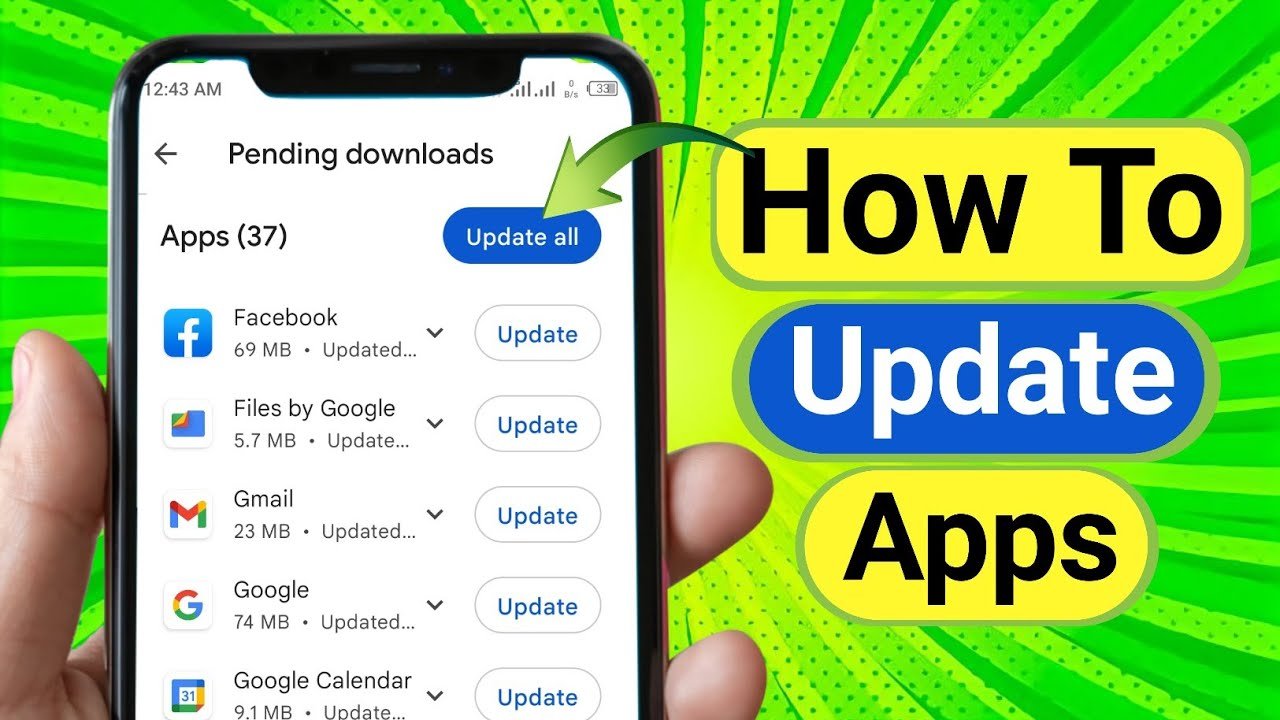
Regular updates are crucial for mobile security. Android system updates and app updates often include security patches that fix vulnerabilities.
- Enable automatic updates on your phone
- Update apps as soon as new versions are available
- Remove outdated apps you no longer use
Keeping your software updated reduces the chances of malware attacks.
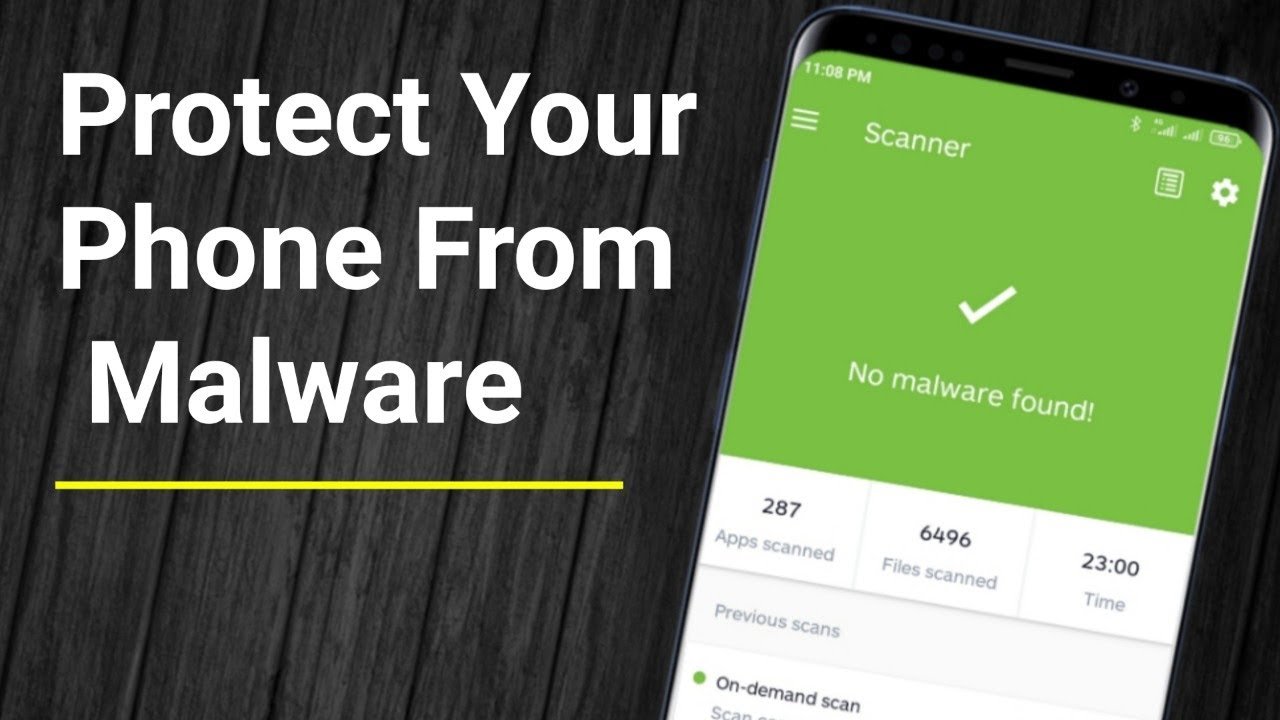
3. Install a Reliable Mobile Antivirus App
Using a trusted antivirus app adds an extra layer of protection. A good mobile security app can:
- Detect and remove malware
- Block phishing websites
- Protect against harmful apps
- Monitor suspicious activities
Choose a well-known antivirus app with positive reviews and keep it updated for maximum protection.
4. Be Careful with App Permissions
Many apps request permissions that are unnecessary for their functionality. For example, a flashlight app asking for access to contacts or messages can be suspicious.
- Review app permissions carefully
- Deny unnecessary access
- Revoke permissions from settings if needed
Granting only essential permissions helps reduce the risk of data misuse.
5. Avoid Clicking on Suspicious Links
Phishing links are another major source of malware. These links often arrive via SMS, email, social media, or pop-up ads.
Do not click on links that:
- Promise free rewards or prizes
- Ask for personal or financial information
- Come from unknown senders
Always verify the source before tapping any link.
6. Enable Google Play Protect
Google Play Protect is a built-in security feature for Android devices. It scans apps regularly to detect harmful behavior.
To enable it:
- Open Google Play Store
- Go to Play Protect
- Turn on app scanning
This free tool adds an extra level of malware detection.
7. Use Secure Internet Connections
Public Wi-Fi networks are often unsecured and can be used by hackers to spread malware or steal data.
- Avoid using public Wi-Fi for banking or sensitive activities
- Use a trusted VPN when connecting to public networks
- Turn off Wi-Fi and Bluetooth when not in use
Secure connections reduce exposure to cyber threats.
8. Backup Your Data Regularly
In case your phone gets infected, having a backup ensures you don’t lose important data.
- Use cloud storage or local backups
- Backup photos, contacts, and important files
- Enable automatic backup if possible
Backups make recovery easier if malware causes damage.
9. Watch for Warning Signs of Malware
Some common signs that your phone may be infected include:
- Slow performance
- Excessive ads or pop-ups
- Rapid battery drain
- Apps crashing frequently
- Unusual data usage
If you notice these symptoms, scan your phone immediately with a security app.
Final Thoughts
Protecting your phone from malware is not difficult, but it requires awareness and smart habits. By downloading apps from trusted sources like apk4r.org, keeping your phone updated, using antivirus protection, and avoiding suspicious links, you can significantly reduce the risk of malware infections.
Your smartphone holds valuable personal information—taking these preventive steps will keep your data safe, your phone fast, and your digital life secure.