
In today’s digital world, smartphones have become an essential part of our daily lives. From calling and messaging to gaming, streaming, and using AI tools, we rely heavily on our phones. However, one common problem almost every smartphone user faces is poor battery life. If your phone battery drains too fast, don’t worry. In this guide, we’ll explain how to improve phone battery life using simple, practical, and proven methods.
Whether you use an Android phone or a budget device, these battery-saving tips will help extend your phone’s usage time and improve overall performance.
1. Reduce Screen Brightness and Timeout
The display is one of the biggest battery consumers on any smartphone.
What you should do:
- Lower screen brightness manually instead of using auto-brightness.
- Reduce screen timeout to 30 seconds or 1 minute.
- Enable Dark Mode, especially on AMOLED displays.
Dark mode can significantly reduce battery usage because dark pixels consume less power.
2. Turn Off Unnecessary Connectivity Features
Features like Wi-Fi, Bluetooth, GPS, and Mobile Data continuously drain your battery when left on.
Battery-saving tips:
- Turn off Bluetooth and Wi-Fi when not in use.
- Disable GPS (Location Services) unless required.
- Use Airplane Mode in low-signal areas to prevent battery drain.
Poor network signals force your phone to work harder, which reduces battery life faster.
3. Limit Background Apps and Processes
Many apps continue running in the background even when you are not using them.
How to fix this:
- Go to Settings > Battery > App Usage
- Identify apps consuming high battery
- Restrict background activity for unused apps
- Uninstall apps you don’t need
Social media apps and games are often the biggest battery drainers.
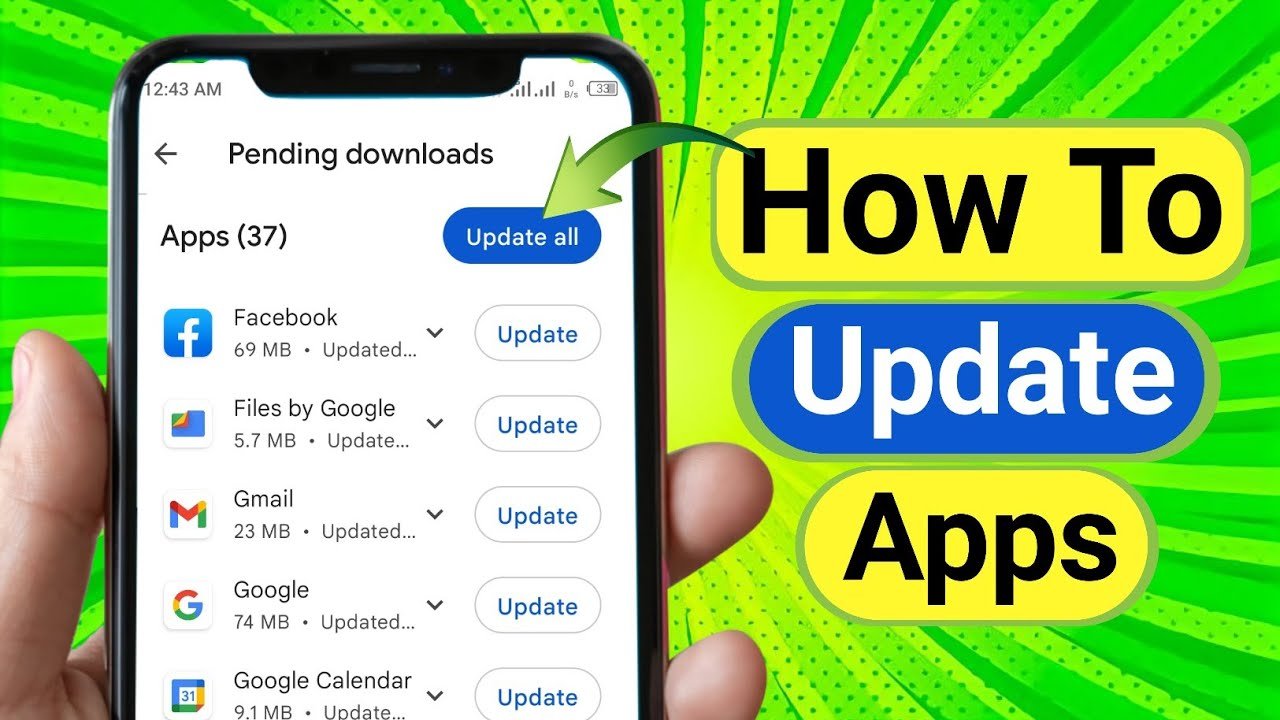
4. Update Apps and Phone Software
Outdated apps and system software can cause battery drain due to bugs or poor optimization.
Best practice:
- Keep your phone’s operating system updated
- Update apps from the Google Play Store
- Avoid beta or unstable app versions
Manufacturers often release updates that improve battery efficiency and system stability.
5. Enable Battery Saver or Power Saving Mode
Almost all Android phones come with a built-in Battery Saver Mode.
Benefits of Battery Saver Mode:
- Limits background activity
- Reduces performance slightly to save power
- Disables visual effects and sync services
You can enable it manually or set it to turn on automatically when battery drops below a certain percentage.
6. Reduce Notifications and Sync Frequency
Constant notifications and background syncing can quickly drain your battery.
Optimize notification settings:
- Disable unnecessary app notifications
- Reduce email and cloud sync frequency
- Turn off vibration for notifications
Fewer notifications mean less screen usage and lower power consumption.
7. Avoid Live Wallpapers and Heavy Widgets
Live wallpapers and animated widgets look good but consume more battery.
What to use instead:
- Choose static wallpapers
- Remove unused widgets from the home screen
- Avoid constantly updating widgets like weather or stock apps
This small change can noticeably improve battery performance.
8. Manage Charging Habits Properly
Improper charging can damage battery health over time.
Healthy charging tips:
- Avoid charging your phone to 100% all the time
- Don’t let battery drop below 10%
- Use original or certified chargers
- Avoid overheating while charging
Maintaining battery health helps extend long-term battery life.
9. Disable Always-On Features
Some features continuously run in the background and consume power.
Turn off if not needed:
- Always-On Display
- Voice assistants listening in background
- Motion gestures
- Auto-sync for rarely used apps
These features are useful but not essential for everyone.
10. Restart Your Phone Regularly
Restarting your phone clears background processes and system cache.
Why it helps:
- Fixes minor bugs
- Stops unnecessary background apps
- Improves performance and battery efficiency
Restart your phone at least once a week.
Final Thoughts
Improving phone battery life doesn’t require expensive upgrades or technical knowledge. By making a few smart changes—like managing apps, adjusting display settings, and using battery saver features—you can significantly extend your phone’s battery life.
These simple yet effective tips will not only help your battery last longer but also improve your phone’s overall performance and lifespan. Apply these methods today and enjoy longer screen time without worrying about frequent charging.
For more Android tips, app reviews, AI tools, and how-to guides, stay connected with apk4r.org.