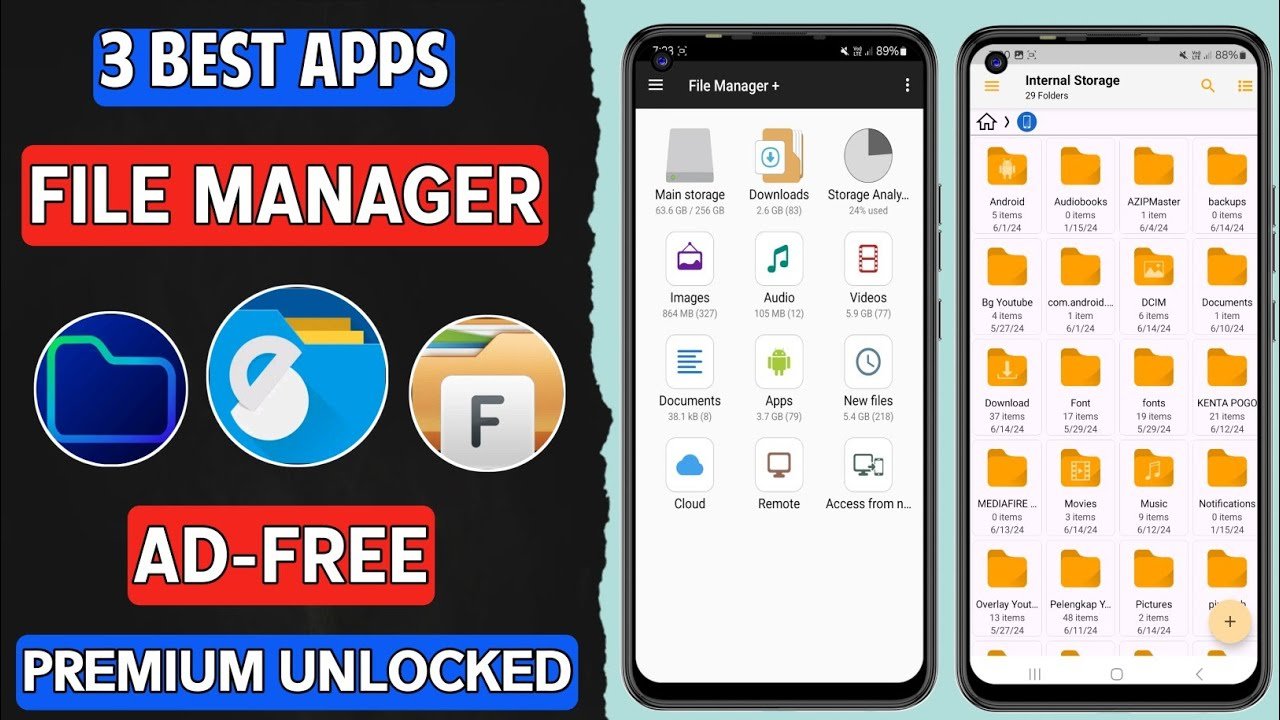

Managing files efficiently is essential for every Android user. Whether you want to organize photos, transfer large files, clean storage, or manage apps and documents, a powerful file manager app for Android can make your life much easier. While Android comes with a basic file manager, it often lacks advanced features like cloud integration, network sharing, ZIP support, and deep storage access.
In this detailed guide by APK4R, we’ll explore the top file manager apps for Android that offer the best performance, security, and features in 2026. All apps listed below are popular, trusted, and suitable for both beginners and advanced users.
Why You Need a File Manager App on Android
A file manager app helps you:
- Browse internal and external storage
- Organize files and folders
- Transfer files between devices
- Manage APK files
- Compress and extract ZIP/RAR files
- Access cloud storage (Google Drive, Dropbox, etc.)
- Clean junk files and free storage
If you regularly download files, install APKs, or use your phone for work, a good file manager is a must-have tool.
1. ES File Explorer (Classic & Feature-Rich)
Best for: Advanced file management and network access
ES File Explorer is one of the most well-known file manager apps for Android. It offers a wide range of features that go far beyond basic file browsing.
Key Features:
- File copy, move, rename, delete
- Built-in ZIP/RAR extractor
- App manager (backup APKs)
- Cloud storage support
- FTP, LAN, and SMB file sharing
- Root file access (for rooted devices)
Pros:
✔ Powerful tools
✔ Network & cloud integration
✔ Supports large files
Cons:
✖ Ads in free version
Why choose it?
If you want a complete Android file manager, ES File Explorer is still a strong choice.
2. Solid Explorer File Manager
Best for: Premium design and dual-pane interface
Solid Explorer is a modern and highly polished file manager app that offers a smooth user experience with advanced features.
Key Features:
- Dual-pane file management
- Material Design UI
- Cloud support (Drive, OneDrive, Dropbox)
- Encrypted file storage
- ZIP, RAR, and 7ZIP support
- Root access
Pros:
✔ Clean and fast UI
✔ Secure file encryption
✔ Ideal for power users
Cons:
✖ Free trial only (paid app)
Why choose it?
Perfect for users who want a premium file manager app for Android with professional-level features.
3. Files by Google
Best for: Simplicity and storage cleanup
Files by Google is a lightweight and official app designed for users who want simplicity and speed.
Key Features:
- Clean and simple interface
- Smart storage cleaner
- Offline file sharing
- File categorization (images, videos, documents)
- Safe and ad-free
Pros:
✔ Very lightweight
✔ No ads
✔ Excellent for beginners
Cons:
✖ Limited advanced features
Why choose it?
Ideal if you want a simple, fast, and secure file manager without unnecessary tools.
4. X-plore File Manager
Best for: Tech-savvy users and advanced tools
X-plore File Manager offers a unique dual-tree layout and powerful system-level features.
Key Features:
- Dual-pane file explorer
- Disk map visualization
- Cloud and USB OTG support
- App and media management
- Root access
Pros:
✔ Powerful tools
✔ Detailed storage analysis
✔ Free core features
Cons:
✖ Old-school interface
Why choose it?
Great for users who want deep control over Android storage.
5. Total Commander
Best for: Classic PC-style file management
Total Commander brings the traditional desktop file manager experience to Android.
Key Features:
- Dual-panel layout
- Plugin support
- ZIP file handling
- LAN and FTP support
- No ads
Pros:
✔ Completely free
✔ Lightweight
✔ Reliable performance
Cons:
✖ Outdated UI
Why choose it?
Perfect for users who prefer a classic and ad-free file manager.
6. CX File Explorer
Best for: Clean UI with advanced options
CX File Explorer is a fast-growing Android file manager known for its balance between simplicity and functionality.
Key Features:
- File categorization
- Network storage access
- Cloud integration
- Storage analyzer
- App manager
Pros:
✔ No ads
✔ Modern interface
✔ Smooth performance
Cons:
✖ Fewer customization options
Why choose it?
A great free alternative to premium file managers.
7. Mi File Manager
Best for: Xiaomi users and fast transfers
Mi File Manager comes pre-installed on many Xiaomi devices but works well on all Android phones.
Key Features:
- Clean UI
- File sharing without internet
- Video and audio tools
- Storage cleaner
- Multiple language support
Pros:
✔ Fast file transfers
✔ Beginner-friendly
✔ Lightweight
Cons:
✖ Limited advanced tools
Why choose it?
Good for users who want fast and easy file handling.
8. FX File Explorer
Best for: Privacy-focused users
FX File Explorer focuses on security and privacy without ads or trackers.
Key Features:
- No ads
- Material Design UI
- Encrypted file vault
- Network and cloud support
- Root access
Pros:
✔ Privacy-friendly
✔ Smooth UI
✔ No bloatware
Cons:
✖ Paid add-ons
Why choose it?
Best choice if you value privacy and security.
Comparison Table (Quick Overview)
| App Name | Best For | Ads | Root Access |
|---|---|---|---|
| ES File Explorer | Advanced users | Yes | Yes |
| Solid Explorer | Premium features | No | Yes |
| Files by Google | Beginners | No | No |
| X-plore | Power users | Yes | Yes |
| Total Commander | Classic users | No | Yes |
| CX File Explorer | Balanced use | No | No |
| Mi File Manager | Fast sharing | Yes | No |
| FX File Explorer | Privacy | No | Yes |
How to Choose the Best File Manager for Android
Before installing a file manager app, consider these points:
- Simple or advanced needs
- Ad-free experience
- Cloud storage support
- Root access (if required)
- File security and encryption
- User interface
If you’re a casual user, Files by Google is enough. For power users, Solid Explorer or X-plore are better options.
Are File Manager Apps Safe?
Yes, most popular file manager apps are safe if downloaded from trusted sources. However:
- Avoid unknown APKs
- Check app permissions
- Read user reviews
- Keep apps updated
At APK4R, we always recommend using trusted and well-reviewed apps for your device security.
Final Thoughts
A good file manager app can completely change how you use your Android phone. From organizing files to managing storage and transferring data, the right app saves time and effort.
Whether you prefer a lightweight file manager, a premium dual-pane explorer, or a privacy-focused tool, there’s an option for everyone.
👉 Bookmark APK4R.org for more Android app reviews, APK guides, AI tools, and tech tips.
Frequently Asked Questions (FAQs)
Q1: Which is the best free file manager for Android?
Files by Google and CX File Explorer are among the best free options.
Q2: Is root access necessary?
No, root access is optional and only needed for system-level file control.
Q3: Can file managers open ZIP files?
Yes, most file manager apps support ZIP and RAR files.