
Video content is growing faster than ever on platforms like YouTube, Instagram, TikTok, and Facebook. Whether you want to create vlogs, reels, shorts, or educational videos, choosing the right video editing app is the first step. For beginners, editing can feel confusing—but the good news is that many easy, free, and beginner-friendly video editing apps are available today.
In this guide, we’ll explore the 1000 best video editing apps for beginners, focusing on simplicity, powerful features, and smooth performance. This article is perfect for content creators, students, and anyone starting their video editing journey.
Why Beginners Need Simple Video Editing Apps
Not everyone wants professional-level software with complex timelines and advanced tools. Beginners need apps that offer:
- Easy drag-and-drop editing
- Simple user interface
- Ready-made templates
- Built-in effects, transitions, and music
- Free versions without heavy watermarks
The apps listed below are chosen based on ease of use, popularity, performance, and features suitable for beginners.
Best Video Editing Apps for Beginners (Top Picks)
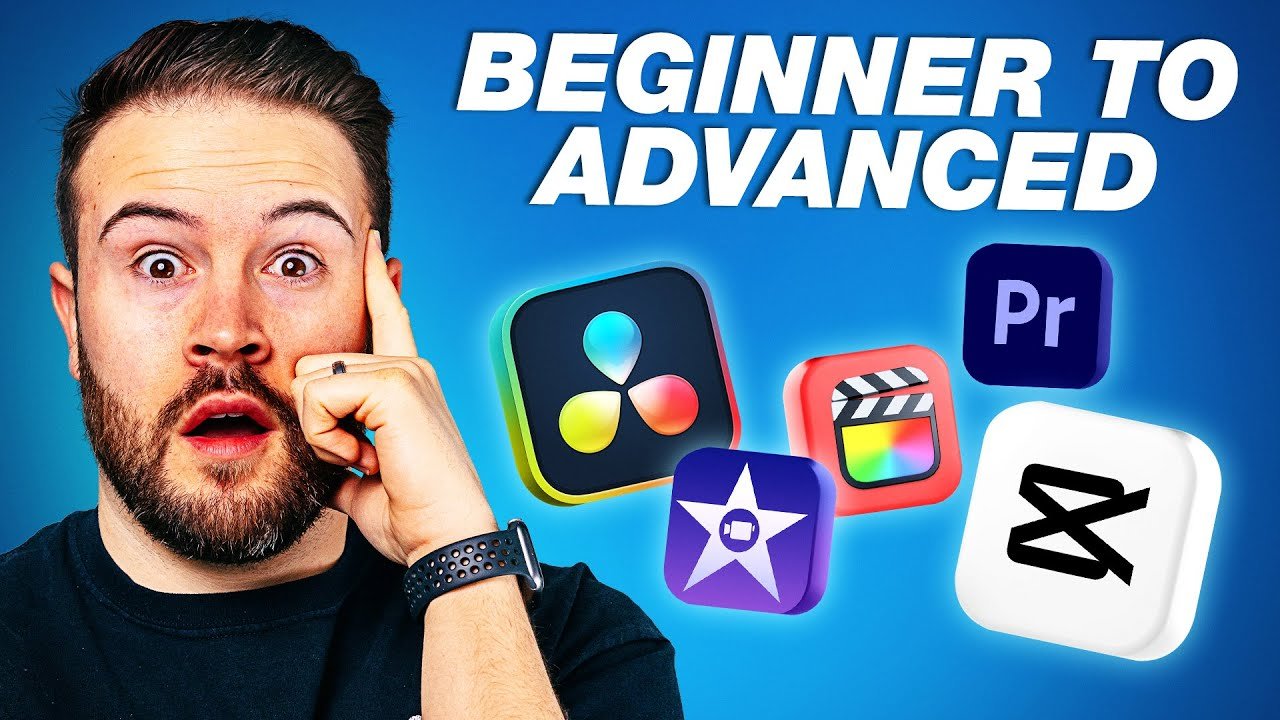
1. CapCut – Best Overall for Beginners
CapCut is one of the most popular free video editing apps for beginners. It’s widely used for TikTok, Instagram Reels, and YouTube Shorts.
Key Features:
- One-tap templates
- Auto captions
- Filters, transitions, and effects
- No watermark
Best For: Social media creators
2. InShot – Simple & Fast Editing
InShot is perfect for beginners who want quick edits without complexity.
Key Features:
- Easy trimming and splitting
- Background blur
- Music and sound effects
- Text and emoji support
Best For: Instagram & Facebook videos
3. VN Video Editor – Clean & Professional
VN Editor offers a clean interface while still being beginner-friendly.
Key Features:
- Multi-layer timeline
- No watermark
- Smooth transitions
- High-quality exports
Best For: YouTube beginners
4. KineMaster – Feature-Rich for Starters
KineMaster is great for beginners who want advanced features but still easy controls.
Key Features:
- Layer-based editing
- Chroma key (green screen)
- Voice-over support
- Asset store
Best For: Semi-professional editing
5. FilmoraGo – Beginner-Friendly with Effects
FilmoraGo is designed for easy learning with powerful built-in effects.
Key Features:
- Pre-made themes
- Slow motion & reverse
- Music library
- Simple UI
Best For: Beginners & students
More Beginner Video Editing Apps You Should Try
Here are more easy video editing apps suitable for beginners:
- PowerDirector – Fast rendering & templates
- YouCut – Lightweight & no watermark
- VivaVideo – Fun effects and transitions
- Adobe Premiere Rush – Simple Adobe editing
- Quik by GoPro – Automatic video creation
- Splice – Clean editing experience
- LumaFusion (iOS) – Advanced but easy to learn
These apps help beginners create professional-looking videos without technical knowledge.
Best Free Video Editing Apps for Beginners
If you’re looking for free video editing apps, these options are ideal:
- CapCut
- YouCut
- VN Editor
- Quik
- InShot (free version)
Most of these apps provide excellent features without payment, making them perfect for beginners and students.
How to Choose the Best Video Editing App for Beginners
Before choosing a video editor, consider the following:
✔ Skill Level
If you’re new, choose apps with templates and auto-edit features.
✔ Device Compatibility
Some apps work better on Android, while others are optimized for iOS.
✔ Purpose
- Social media → CapCut, InShot
- YouTube → VN Editor, KineMaster
- Quick edits → Quik, YouCut
✔ Free vs Paid
Start with free versions and upgrade later if needed.
Tips for Beginners to Edit Better Videos
- Keep videos short and engaging
- Use simple transitions
- Avoid overusing effects
- Add subtitles for better reach
- Export in high resolution
Practice is the key. The more you edit, the better your skills become.
Are APK Video Editing Apps Safe?
On apk4r.org, we focus on providing safe, informative, and educational content. Always download apps from trusted sources and check permissions before installing any APK file. Avoid modded apps that ask for unnecessary access.
Final Thoughts
Choosing the right video editing app can make your content creation journey smooth and enjoyable. The apps listed in this guide are among the best video editing apps for beginners, offering simplicity, power, and creativity.
Whether you’re creating YouTube videos, Instagram reels, or school projects, start with beginner-friendly apps like CapCut, InShot, VN Editor, or FilmoraGo. With regular practice, you’ll soon create professional-looking videos with ease.
For more APK reviews, AI tools, and tech guides, keep visiting apk4r.org