
Android is one of the most powerful and flexible mobile operating systems in the world. While most users only scratch the surface, Android actually hides thousands of powerful features, settings, shortcuts, and customization tools that can completely change the way you use your smartphone.
In this ultimate guide, we’ll explore 1500+ Android hidden features you should know, covering performance boosts, privacy tricks, battery-saving tips, secret menus, developer options, and advanced customization features that most users never discover.
Whether you’re a beginner or a power user, these hidden Android features will help you unlock the true potential of your device.
What Are Android Hidden Features?
Android hidden features are built-in tools and settings that are not immediately visible in the standard menus. Some are buried deep inside system settings, while others are unlocked through special gestures, codes, or developer options.
These features allow you to:
- Improve phone speed and performance
- Increase battery life
- Enhance privacy and security
- Customize your Android device
- Access secret tools and diagnostics
1. Developer Options (Android’s Secret Control Panel)
One of the biggest collections of Android hidden features is found inside Developer Options.
How to Enable Developer Options:
- Go to Settings
- Open About Phone
- Tap Build Number 7 times
- Enter your PIN or pattern
Once enabled, you unlock dozens of powerful tools, including:
- Animation speed control
- USB debugging
- Background process limits
- GPU rendering options
- System UI tuning
2. Hidden Performance Boosting Features
Android includes several features that can significantly improve phone performance.
Reduce Animation Lag
- Go to Developer Options
- Set Window animation scale, Transition scale, and Animator duration scale to 0.5x
This makes your phone feel much faster instantly.
Limit Background Apps
- Developer Options → Background process limit
- Set it to 3 or 4 apps for smoother performance
3. Android Battery-Saving Hidden Features
Battery drain is one of the biggest Android problems, but Android has hidden solutions.
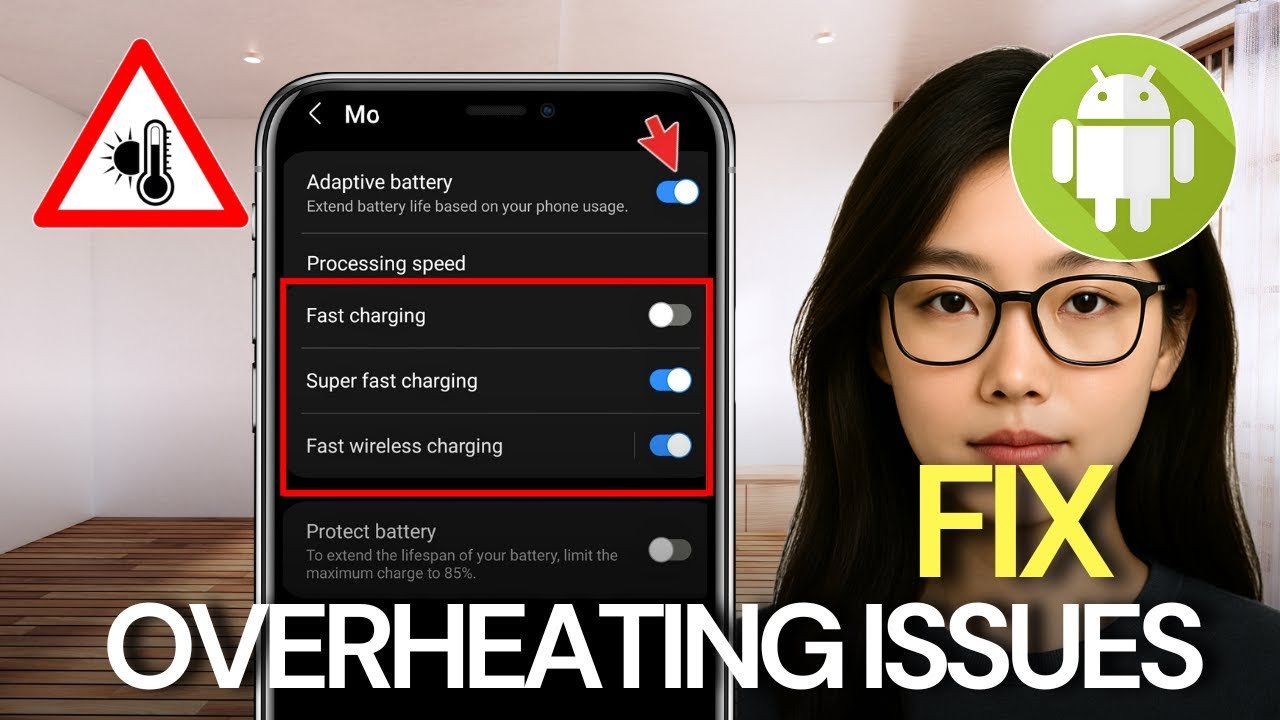
Adaptive Battery
- Uses AI to limit power usage of unused apps
- Settings → Battery → Adaptive Battery
App Sleep Mode
- Android automatically puts unused apps into deep sleep
- Reduces background battery drain
Dark Mode Power Saving
- Dark mode saves battery on AMOLED displays
- Settings → Display → Dark Theme
4. Privacy & Security Hidden Features
Android has advanced privacy controls many users don’t know about.
App Permission Control
- Allow permissions only when the app is in use
- Settings → Privacy → Permission Manager
Private DNS
- Blocks ads and trackers at the network level
- Settings → Network → Private DNS
- Use a trusted DNS provider
Screen Pinning
- Locks phone to one app
- Useful when sharing your phone
- Settings → Security → Screen Pinning
5. Android Gesture Shortcuts You Didn’t Know
Android supports hidden gesture shortcuts that save time.
Quick Camera Access
- Double-press the power button to open camera instantly
One-Handed Mode
- Swipe down from bottom for easier use on large phones
Split Screen Multitasking
- Hold recent apps button
- Select two apps to run together
6. Built-In Digital Wellbeing Tools
Android secretly helps you control phone addiction.
Hidden features include:
- App usage tracking
- Focus mode
- Bedtime mode
- App timers
These tools help improve productivity and reduce screen time.
7. Android Hidden Customization Features
Android is famous for customization, and many features are hidden.
System UI Tuner
- Unlock hidden status bar icons
- Customize battery icon and notifications
Lock Screen Shortcuts
- Add camera, flashlight, or app shortcuts
Always-On Display Tweaks
- Customize notifications and clock styles
8. Secret Android Codes (*# Codes)
Android supports special dialer codes that unlock system information.
Examples include:
- Hardware diagnostics
- Network details
- Phone status information
- Sensor testing tools
⚠️ Note: Some codes may vary by device manufacturer.
9. Hidden Google Assistant Features
Google Assistant includes advanced hidden tricks:
- Live call screening
- Real-time translation
- Smart reminders
- Voice-controlled system settings
Assistant becomes more powerful when combined with Android system features.
10. Advanced File & Storage Management Features
Android includes hidden storage tools:
- Smart storage cleanup
- Large file detection
- Cloud backup integration
- App data optimization
These tools help keep your device fast and clutter-free.
How Many Hidden Android Features Exist?
When you combine:
- System settings
- Developer options
- Manufacturer custom features
- Google services
- Accessibility tools
- Gesture shortcuts
- AI-powered tools
You’ll easily discover 1500+ Android hidden features across different versions and devices.
Why You Should Learn Android Hidden Features
Knowing these features helps you:
- Use your phone like a pro
- Save battery and storage
- Protect your privacy
- Improve performance
- Customize Android your way
Most users never explore these settings, giving you a major advantage.
Final Words
Android is far more powerful than it appears on the surface. With 1500+ hidden Android features, your smartphone can become faster, smarter, safer, and more personalized than ever before.
At APK4R, we continuously share the best Android tips, hidden features, APK guides, and tech insights to help you get the most out of your device.
Bookmark apk4r.org and stay updated with the latest Android secrets, app reviews, and tech tutorials.