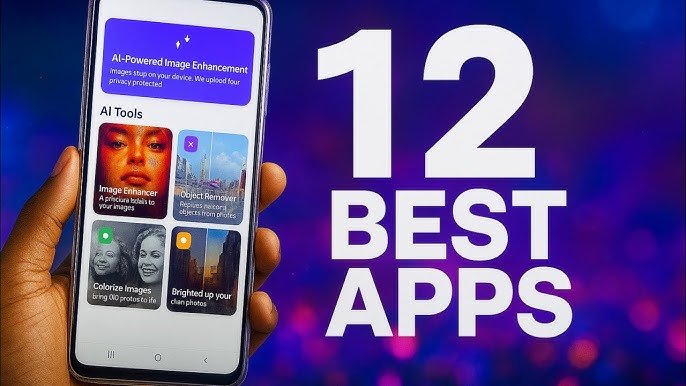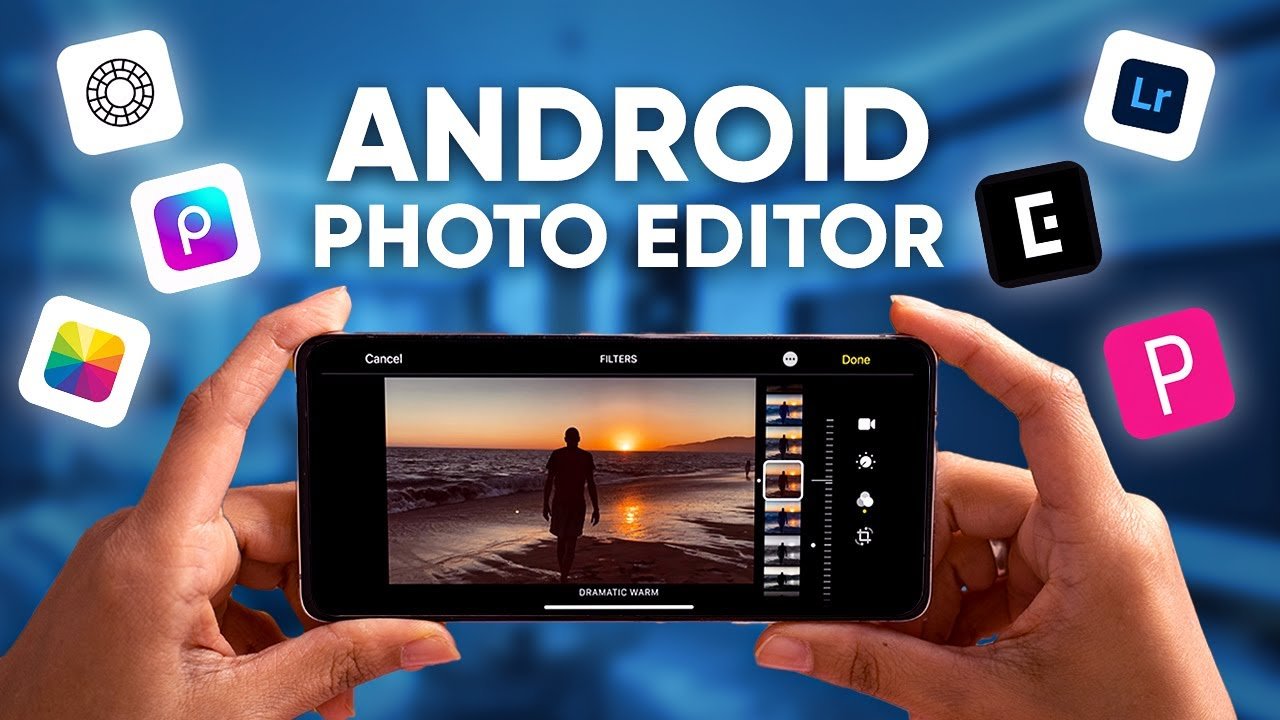

In today’s digital world, photo editing has become an essential part of everyday life. Whether you are a social media creator, blogger, student, or just someone who loves capturing memories, having the best photo editing apps for Android can completely transform your images. Android users are lucky because the Google Play Store offers a wide range of powerful, easy-to-use, and professional photo editing apps.
In this article, APK4R brings you a carefully selected list of the best photo editing apps for Android that help you create stunning photos with just a few taps.
Why Use Photo Editing Apps on Android?
Photo editing apps allow you to:
- Enhance image quality
- Adjust brightness, contrast, and colors
- Apply filters and effects
- Remove unwanted objects
- Create eye-catching social media posts
With the right app, even a simple photo can look professional without needing a computer.
1. Adobe Lightroom – Best for Professional Editing
Adobe Lightroom is one of the most powerful photo editing apps available for Android. It is widely used by professional photographers due to its advanced tools and high-quality output.
Key Features:
- Advanced color correction tools
- Presets for quick edits
- RAW photo support
- AI-powered enhancements
Lightroom is perfect for users who want complete control over their photos while maintaining natural quality.
2. Snapseed – Best Free Photo Editor
Snapseed, developed by Google, is a completely free photo editing app with no ads. It offers professional-grade editing tools in a simple interface.
Key Features:
- Selective editing tools
- Healing tool for object removal
- Professional filters
- Supports JPG and RAW files
Snapseed is ideal for beginners and advanced users who want powerful features without paying anything.
3. PicsArt – Best for Creative Editing
If you love creativity, stickers, and artistic effects, PicsArt is a great choice. It’s one of the most popular photo editing apps for social media users.
Key Features:
- Thousands of filters and effects
- Sticker maker and collage tools
- Drawing and text options
- AI-powered background remover
PicsArt is perfect for Instagram, Facebook, and TikTok content creators.
4. PhotoDirector – Best AI Photo Editor
PhotoDirector uses AI technology to make editing fast and easy. It’s ideal for users who want stunning results with minimal effort.
Key Features:
- AI sky replacement
- Object removal tool
- Face retouching
- Animated effects
This app is great for users who want modern AI editing features without complexity.
5. Canva – Best for Social Media & Designs
Canva is more than just a photo editor. It’s a complete design tool used by millions of creators worldwide.
Key Features:
- Ready-made templates
- Text and graphic tools
- Easy drag-and-drop editing
- Perfect for posts, banners, and thumbnails
Canva is best for bloggers, YouTubers, and students who want quick and professional designs.
6. VSCO – Best for Stylish Filters
VSCO is known for its high-quality filters that give photos a clean and aesthetic look.
Key Features:
- Premium filters
- Film-style presets
- Manual editing tools
- Minimal interface
VSCO is perfect for users who prefer a simple yet artistic editing style.
7. Pixlr – Best Lightweight Photo Editor
Pixlr is a fast and lightweight photo editing app that works smoothly on low-end Android devices.
Key Features:
- One-tap effects
- Basic editing tools
- Overlay and double exposure
- No account required
Pixlr is ideal for quick edits without heavy system usage.
How to Choose the Best Photo Editing App?
When selecting the best Android photo editing app, consider:
- Your editing skill level
- Required features (filters, AI tools, text, etc.)
- Device performance
- Free vs premium options
For professional editing, choose Lightroom or Snapseed.
For creativity and social media, PicsArt or Canva are excellent.
Final Thoughts
Android photo editing apps have made it easier than ever to turn ordinary photos into stunning visuals. Whether you need professional adjustments, creative effects, or AI-powered tools, there is an app for everyone.
At APK4R, we recommend trying multiple apps to find the one that fits your editing style best. With the right photo editing app, your Android phone can become a powerful editing studio.