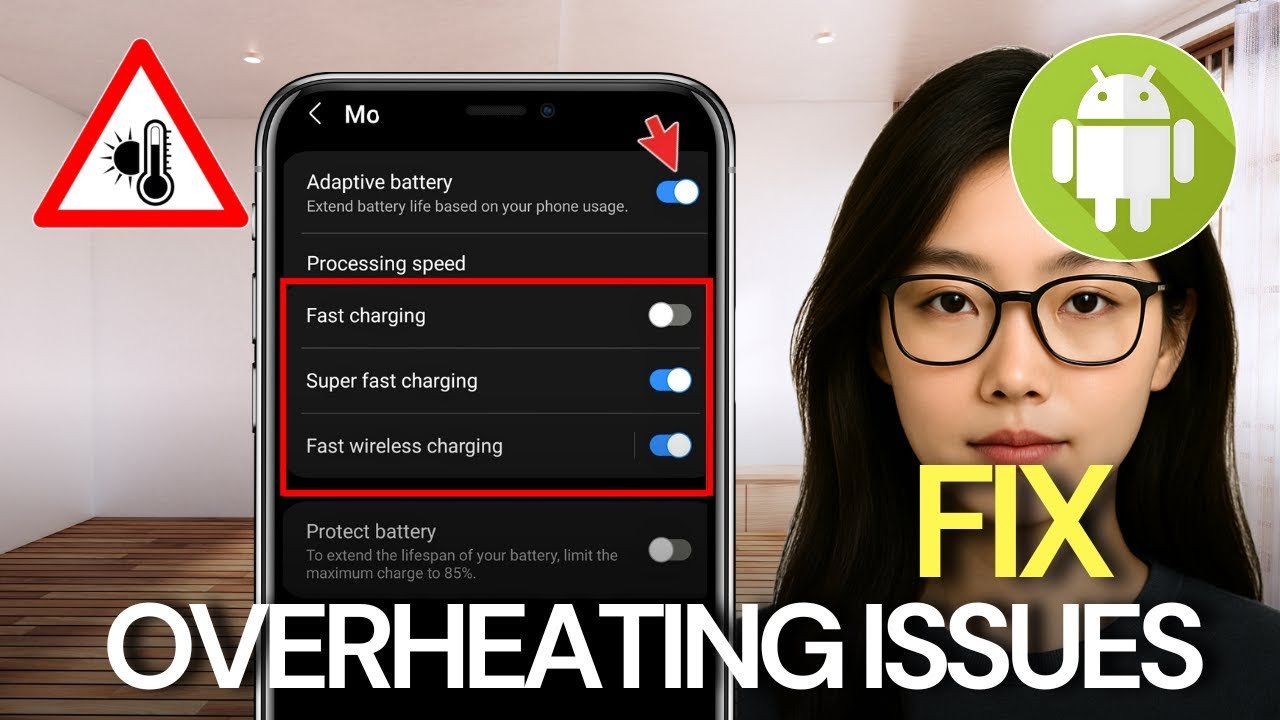

Android smartphones are powerful, feature-rich, and designed to handle multitasking with ease. However, Android overheating problems are becoming increasingly common, especially with heavy app usage, gaming, streaming, and fast charging. If your Android phone feels hot to the touch, drains battery quickly, or slows down unexpectedly, overheating is likely the cause.
In this detailed guide, you’ll learn why Android phones overheat, how overheating affects performance and battery life, and proven methods to fix Android overheating problems safely and effectively.
Why Android Phones Overheat
Understanding the root causes helps you fix the issue faster. Here are the most common reasons:
1. Heavy App Usage
Apps like online games, video editors, live streaming apps, and social media consume CPU and GPU power, causing the device to heat up.
2. Poor Network Signals
When your phone struggles to maintain a signal (Wi-Fi or mobile data), it uses more power, generating excess heat.
3. Background Apps
Apps running in the background continuously consume system resources and increase temperature.
4. Overcharging or Fast Charging
Using fast chargers or charging your phone overnight can raise internal temperatures.
5. Software Bugs
Outdated Android versions or buggy apps can cause abnormal CPU usage.
6. Environmental Factors
High ambient temperatures, direct sunlight, or leaving your phone in a car can worsen overheating.
Signs Your Android Phone Is Overheating
Watch out for these warning signs:
- Phone feels uncomfortably hot
- Battery drains rapidly
- Apps crash or lag
- Screen dims automatically
- “Phone temperature too high” warning message
- Charging slows or stops
Ignoring these signs can damage internal components and shorten battery life.
How to Fix Android Overheating Problems (Effective Solutions)
1. Restart Your Android Phone
A simple restart clears background processes and temporary system glitches that may be causing overheating.
Steps:
- Hold the power button
- Tap Restart
- Wait for the phone to cool down
2. Close Background Apps
Too many background apps increase CPU usage.
How to close apps:
- Open Recent Apps
- Swipe away unused apps
- Avoid task-killer apps; use built-in controls
3. Uninstall Problematic Apps
If your phone heats up after installing a specific app, it may be poorly optimized.
Tip:
Check battery usage in Settings → Battery → App usage and uninstall apps consuming excessive power.
4. Update Android Software
Software updates fix bugs, improve performance, and optimize thermal management.
Steps:
- Go to Settings → Software Update
- Download and install available updates
5. Avoid Using Phone While Charging
Using your phone during charging causes both battery and processor heat buildup.
Best practice:
- Charge your phone while idle
- Remove heavy covers while charging
6. Use Original or Certified Chargers
Low-quality chargers cause overheating and battery damage.
Recommendation:
- Use original charger or certified fast chargers
- Avoid cheap third-party cables
7. Turn Off Unused Features
Disable features you’re not using:
- Bluetooth
- GPS
- Hotspot
- NFC
These services constantly scan and increase heat production.
8. Reduce Screen Brightness
High brightness significantly increases phone temperature.
Fix:
- Enable Adaptive Brightness
- Lower brightness manually when outdoors
9. Remove Phone Case Temporarily
Thick or low-quality cases trap heat.
Tip:
Remove the case during gaming or charging to allow heat dissipation.
10. Avoid Direct Sunlight
Never leave your Android phone exposed to sunlight or inside a hot car.
Temperature safety range:
Ideally between 0°C to 35°C (32°F to 95°F)
11. Enable Battery Saver Mode
Battery Saver reduces background activity and limits performance.
Steps:
- Go to Settings → Battery
- Enable Battery Saver
12. Check for Malware or Suspicious Apps
Malware runs hidden processes that cause overheating.
Solution:
- Install a trusted antivirus app
- Avoid mod or unsafe APK files from unreliable sources
13. Limit Gaming and Heavy Tasks
Extended gaming sessions cause CPU and GPU overheating.
Suggestions:
- Take breaks during gaming
- Lower in-game graphics settings
- Close other apps before gaming
14. Reset App Preferences
Sometimes misconfigured app settings cause overheating.
Steps:
- Go to Settings → Apps
- Tap Reset App Preferences
(No data will be deleted.)
15. Factory Reset (Last Option)
If nothing works, a factory reset removes software issues.
Important:
- Backup your data
- Go to Settings → Reset → Factory Reset
How to Prevent Android Overheating in the Future
Prevention is better than repair. Follow these tips:
- Keep your phone updated
- Avoid installing unnecessary apps
- Use lightweight launchers
- Clean cache regularly
- Avoid charging overnight
- Use Wi-Fi instead of mobile data when possible
Does Android Overheating Damage Your Phone?
Yes. Prolonged overheating can:
- Reduce battery lifespan
- Damage internal hardware
- Cause screen discoloration
- Slow down performance permanently
That’s why addressing overheating issues early is crucial.
Best Apps to Monitor Android Temperature
You can track your phone’s temperature using trusted apps:
- CPU Monitor
- AccuBattery
- Device Info HW
These apps help detect abnormal temperature spikes in real time.
When to Visit a Service Center
Seek professional help if:
- Phone heats up even when idle
- Battery swells or drains rapidly
- Phone shuts down automatically
- Overheating persists after factory reset
This may indicate a faulty battery or internal hardware issue.
Final Thoughts
Android overheating problems are common but completely fixable with the right approach. By managing apps, keeping software updated, using quality chargers, and avoiding extreme temperatures, you can significantly reduce heat issues and extend your phone’s lifespan.
Implement these solutions today and enjoy a cooler, faster, and safer Android experience.
For more Android fixes, APK guides, and tech tutorials, stay connected with apk4r.org