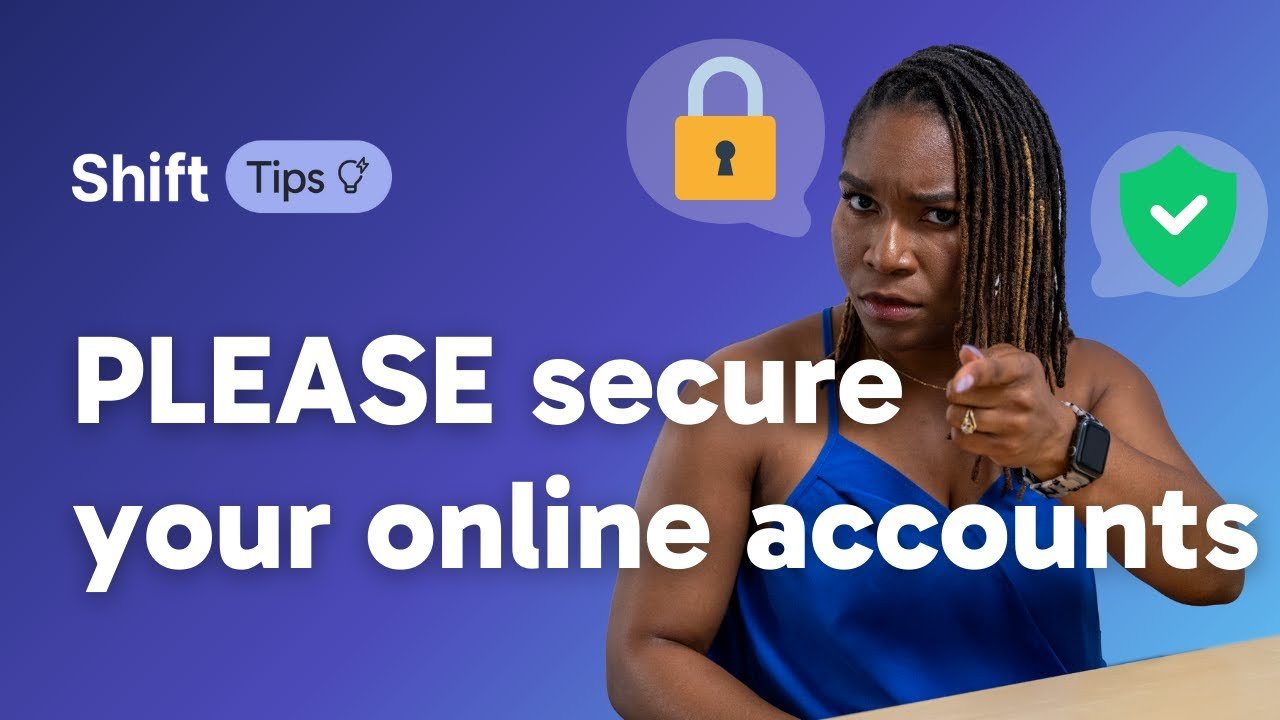

In today’s digital world, almost everyone uses online accounts—whether it’s for social media, email, online banking, shopping, cloud storage, or mobile apps. While the internet has made life easier, it has also increased the risk of cyber threats like hacking, phishing, identity theft, and data breaches. That’s why learning how to secure your online accounts is more important than ever.
This complete guide will help you understand the best practices to protect your online accounts, even if you are a beginner. By following these simple yet powerful tips, you can greatly reduce the risk of your personal information being stolen.
Why Is Online Account Security Important?
Every online account contains valuable data such as:
- Personal information
- Photos and documents
- Financial details
- Login credentials
Hackers target weak accounts to:
- Steal money
- Misuse identity
- Spread malware
- Blackmail users
A single hacked account can lead to multiple security issues, especially if you reuse passwords across different platforms.
1. Use Strong and Unique Passwords
What Makes a Password Strong?
A strong password should:
- Be at least 12–16 characters long
- Include uppercase and lowercase letters
- Contain numbers and special characters
- Avoid common words or personal information
Example of a weak password:afan123
Example of a strong password:A!9fZ@8qP#L2
Never Reuse Passwords
Using the same password for multiple websites is risky. If one site is hacked, all your accounts become vulnerable.
✅ Tip: Use a different password for:
- Social media
- Banking apps
- Shopping websites
2. Use a Password Manager
Remembering dozens of strong passwords can be difficult. That’s where password managers help.
Benefits of Password Managers
- Store passwords securely
- Auto-fill login details
- Generate strong passwords
- Protect data with encryption
Popular Password Managers
- Bitwarden
- LastPass
- 1Password
- Google Password Manager
Using a password manager is one of the best ways to improve online security.
3. Enable Two-Factor Authentication (2FA)
Two-Factor Authentication adds an extra layer of security to your account.
How 2FA Works
After entering your password, you must verify your identity using:
- A one-time code (OTP)
- An authentication app
- SMS verification
- Fingerprint or face ID
Even if someone steals your password, they can’t access your account without the second verification step.
Best 2FA Apps
- Google Authenticator
- Microsoft Authenticator
- Authy
Always enable 2FA on:
- Email accounts
- Social media
- Cloud storage
- Banking and payment apps
4. Secure Your Email Account First
Your email account is the key to all other accounts. Password resets, alerts, and confirmations are sent to email.
How to Protect Your Email
- Use a strong, unique password
- Enable 2FA
- Review recovery email and phone number
- Monitor login activity regularly
If your email is compromised, hackers can reset passwords for all connected accounts.
5. Be Careful of Phishing Attacks
Phishing is one of the most common cyber threats.
What Is Phishing?
Phishing attempts trick users into sharing login details through:
- Fake emails
- Fake websites
- SMS messages
- Social media messages
How to Identify Phishing
- Suspicious sender addresses
- Urgent messages like “Your account will be closed”
- Spelling and grammar mistakes
- Fake links that look real
❌ Never click unknown links
❌ Never share OTPs or passwords
6. Always Check Website URLs
Before entering login details, check the website address carefully.
Tips to Verify a Website
- Look for https:// in the URL
- Check for a lock icon in the browser
- Avoid shortened or strange-looking links
Fake websites often look identical to real ones but steal your information.
7. Keep Your Devices Secure
Your account security depends on the device you use.
Secure Your Smartphone and PC
- Use a screen lock (PIN, fingerprint, Face ID)
- Keep operating system updated
- Install apps only from trusted sources
- Remove unused apps
Use Antivirus and Security Apps
A good antivirus helps protect against:
- Malware
- Spyware
- Keyloggers
8. Avoid Public Wi-Fi for Sensitive Accounts
Public Wi-Fi networks in cafes, airports, and malls are often unsecured.
Risks of Public Wi-Fi
- Hackers can intercept data
- Login credentials can be stolen
- Man-in-the-middle attacks
Safe Alternatives
- Use mobile data
- Use a trusted VPN
- Avoid logging into banking or email accounts on public Wi-Fi
9. Monitor Account Activity Regularly
Most platforms allow you to see recent login activity.
What to Check
- Unknown devices
- Unrecognized locations
- Login attempts you didn’t make
If you notice anything suspicious:
- Change your password immediately
- Log out from all devices
- Contact support
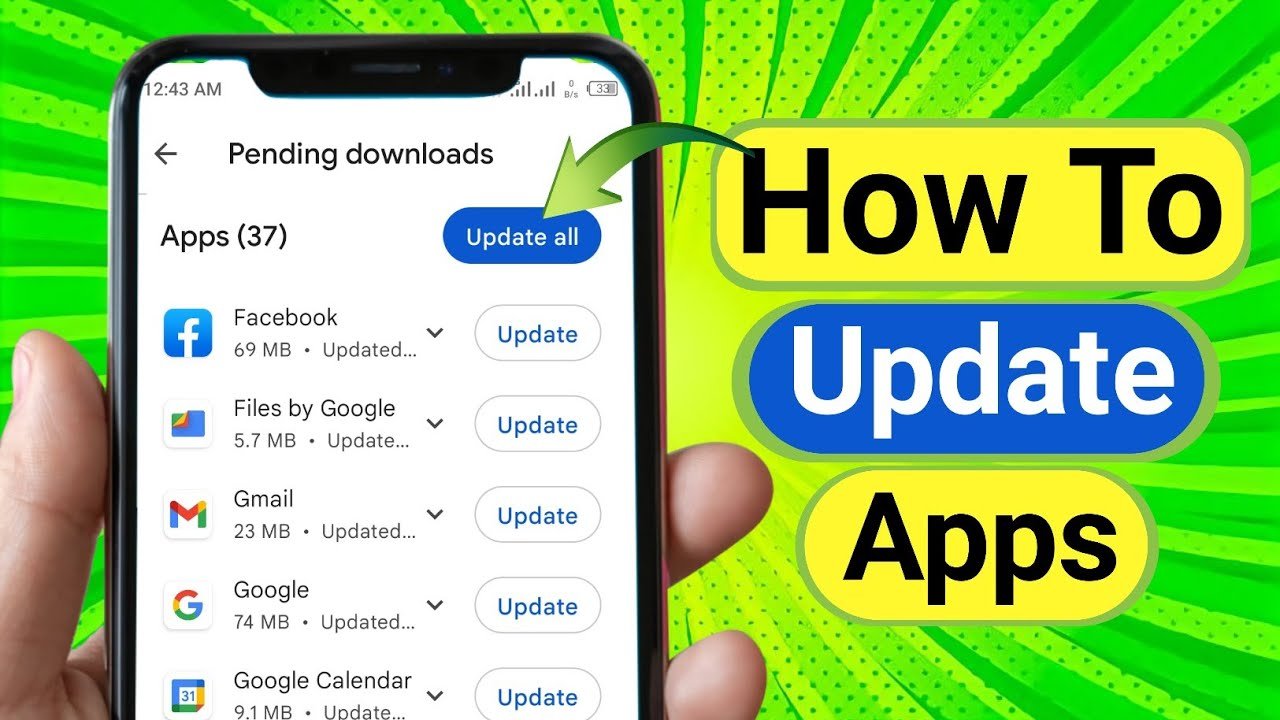
10. Keep Your Software Updated
Outdated software often contains security vulnerabilities.
Always Update:
- Operating system
- Web browsers
- Apps
- Antivirus software
Updates fix security bugs and improve protection against new threats.
11. Use Secure Backup and Recovery Options
Make sure your recovery options are updated.
Secure Recovery Methods
- Recovery email
- Phone number
- Backup codes
Store backup codes in a safe offline place.
12. Be Careful on Social Media
Oversharing on social media can help hackers guess your passwords or security questions.
Avoid Sharing:
- Date of birth
- Phone number
- Home address
- Answers to security questions
Adjust privacy settings to limit who can see your personal information.
13. Log Out from Shared or Public Devices
Never stay logged in on:
- Cyber café computers
- Friend’s devices
- Office public systems
Always log out and clear browser data after use.
14. Use Different Emails for Important Accounts
For extra security:
- Use one email for banking
- Another for social media
- Another for newsletters
This reduces risk if one email is compromised.
15. Educate Yourself About Cybersecurity
Cyber threats change constantly. Staying informed helps you stay safe.
Learn About:
- New scam methods
- Data breaches
- Security best practices
Follow trusted tech blogs and security updates.
Common Mistakes to Avoid
❌ Using weak passwords
❌ Ignoring security alerts
❌ Clicking unknown links
❌ Downloading apps from untrusted sources
❌ Sharing OTPs or verification codes
Avoiding these mistakes can prevent most account hacks.
Final Thoughts
Securing your online accounts is not difficult—it just requires awareness and good habits. By using strong passwords, enabling two-factor authentication, avoiding phishing scams, and keeping your devices updated, you can protect your digital life effectively.
In a world where cybercrime is increasing daily, taking control of your online security is no longer optional—it’s essential.
Start implementing these tips today and keep your online accounts safe, secure, and protected.
🔐 Stay Safe Online
For more tech tips, app reviews, AI tools, and security guides, visit apk4r.org regularly.