
In today’s digital world, our smartphones store everything — photos, videos, documents, contacts, passwords, and even business files. Losing this data can feel like losing a part of your life. Whether it’s accidental deletion, phone damage, system crash, malware attack, or theft, data loss happens when we least expect it.
That’s exactly why Secure File Backup Apps have become essential in 2026.
If you run a business, create content, store personal memories, or simply use your Android phone daily, having a reliable backup solution is no longer optional — it’s a necessity.
In this complete guide, you’ll learn:
- What Secure File Backup Apps are
- Why they are important
- Top secure backup apps for Android
- How to choose the best one
- Tips to maximize your data protection
Let’s get started.
What Are Secure File Backup Apps?
Secure File Backup Apps are applications designed to safely copy and store your files in protected locations such as cloud servers, encrypted storage, or external devices. The main goal is to ensure that even if your device gets damaged or hacked, your files remain safe and recoverable.
Unlike normal storage apps, secure backup apps provide:
- End-to-end encryption
- Automatic scheduled backups
- Multi-device sync
- Password protection
- Cloud and offline backup options
In simple words, they act as your digital insurance policy.
Why You Need Secure File Backup Apps in 2026
Technology is growing rapidly, but so are cyber threats. Ransomware attacks, phishing scams, and malware are increasing every year. Android users are especially targeted because of the open ecosystem.
Here are some major reasons why Secure File Backup Apps are important:
1. Protection Against Data Loss
Phones can break, get stolen, or stop working. A backup ensures your memories and files are not gone forever.
2. Protection From Malware & Ransomware
Hackers can lock your files and demand money. If you already have a secure backup, you can restore your files without paying anything.
3. Easy Device Switching
Upgrading to a new Android phone? Secure backup apps make transferring data seamless.
4. Business Data Safety
If you store invoices, contracts, or client data on your phone, backups protect your professional reputation.
5. Peace of Mind
Knowing your files are safe removes stress.
Best Secure File Backup Apps for Android (2026)
Let’s look at some of the most trusted and widely used Secure File Backup Apps available today.
1. Google Drive
One of the most popular cloud storage solutions, Google Drive offers automatic Android backups and strong encryption.
Key Features:
- 15GB free storage
- Automatic photo & document backup
- File sharing options
- Two-step verification security
Best for: Everyday users who want simple cloud backup.
2. Dropbox
Dropbox is known for its reliability and smooth file syncing across devices.
Key Features:
- Real-time sync
- File recovery options
- Secure sharing links
- Business-grade encryption
Best for: Professionals and teams.
3. OneDrive
Microsoft’s cloud storage service integrates well with Office files and Windows devices.
Key Features:
- Automatic camera upload
- Advanced encryption
- Ransomware detection
- Personal Vault security feature
Best for: Users in the Microsoft ecosystem.
4. Mega
Mega stands out because of its strong privacy features.
Key Features:
- End-to-end encryption
- Large free storage
- Secure file sharing
- Zero-knowledge architecture
Best for: Privacy-focused users.
5. pCloud
pCloud offers lifetime storage plans and strong encryption add-ons.
Key Features:
- Automatic backup
- Client-side encryption
- Media streaming support
- Cross-platform access
Best for: Long-term storage users.
Cloud Backup vs Local Backup: Which Is Better?
When choosing Secure File Backup Apps, you’ll face two options:
Cloud Backup
- Files stored online
- Accessible from anywhere
- Requires internet
- Higher convenience
Local Backup
- Files stored on SD card or external drive
- No internet needed
- Physically secure
- Risk if storage device is damaged
Best Strategy: Use both. This is called the 3-2-1 backup rule:
- 3 copies of your data
- 2 different storage types
- 1 off-site backup
This method gives maximum security.
How to Choose the Best Secure File Backup App
Not all backup apps are equal. Here’s what to look for:
1. Encryption Level
Always choose apps offering AES-256 or end-to-end encryption.
2. Automatic Backup Feature
Manual backups are risky because you might forget.
3. Storage Capacity
Check how much free storage is included.
4. Restore Speed
Fast recovery is important in emergencies.
5. Privacy Policy
Avoid apps that sell or misuse your data.
Common Mistakes to Avoid
Even when using Secure File Backup Apps, people make mistakes. Avoid these:
- Relying on only one backup method
- Ignoring security settings
- Using weak passwords
- Never testing restore function
- Not updating the backup app
A backup is only useful if it works when needed.
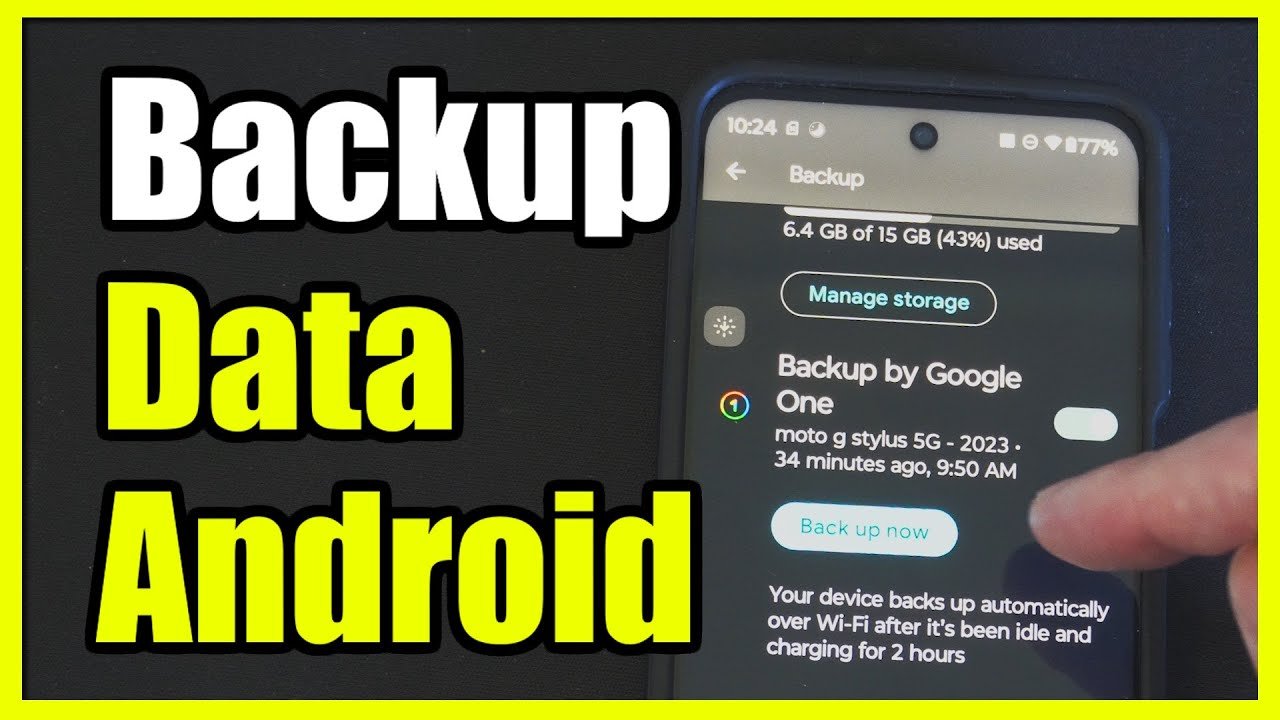
How to Set Up Secure File Backup on Android
Follow these simple steps:
- Download a trusted Secure File Backup App from Google Play Store.
- Sign in and enable two-factor authentication.
- Choose files or folders to back up.
- Turn on automatic backup.
- Set backup frequency (daily recommended).
- Test restore once to confirm it works.
That’s it. You’re now protected.
Are Free Backup Apps Safe?
Yes — but with limitations.
Free versions usually offer:
- Limited storage
- Basic encryption
- Fewer features
If you store sensitive business or private data, investing in a premium plan is worth it.
Secure File Backup Apps for Business Users
If you run a small business or freelance work from your Android phone, your backup needs are different.
Look for:
- Multi-user access
- Admin controls
- File version history
- Ransomware recovery
- Compliance certifications
Professional Secure File Backup Apps reduce financial risk and improve workflow.
Future of Secure File Backup Apps in 2026 and Beyond
Technology trends show that backup apps are evolving with:
- AI-powered threat detection
- Faster cloud syncing
- Blockchain-based file verification
- Advanced biometric security
- Smart automatic organization
Data protection is becoming smarter and more automated.
Final Thoughts
Your smartphone holds your life — photos, work, messages, memories, and financial information. Losing it without a backup can be devastating.
That’s why using Secure File Backup Apps is one of the smartest digital decisions you can make in 2026.
Whether you choose Google Drive, Dropbox, OneDrive, Mega, or pCloud, the key is consistency. Set automatic backups, use strong passwords, and always enable encryption.
Remember:
Data can be recovered only if it was backed up.
Start today. Protect your files. Secure your future.