
In today’s digital world, messaging apps have become a major part of our daily lives. Among all messaging platforms, WhatsApp is one of the most widely used apps globally. Millions of people rely on it to communicate with friends, family, and colleagues.
However, many users don’t fully understand WhatsApp Privacy Settings and how these settings can protect their personal information. Without the right privacy configuration, your profile photo, status, last seen, and even your online activity could be visible to strangers.
This detailed guide will help you understand WhatsApp Privacy Settings, why they matter, and how to configure them step-by-step to keep your conversations safe and private.
Why WhatsApp Privacy Settings Are Important
Privacy is one of the biggest concerns in the digital era. Messaging apps store a lot of personal information such as:
- Your phone number
- Profile picture
- Status updates
- Last seen activity
- Contacts and chats
If your WhatsApp Privacy Settings are not properly configured, strangers or unknown contacts may see sensitive information about you.
Proper privacy settings help you:
✔ Control who can see your personal information
✔ Avoid spam messages and unwanted calls
✔ Protect yourself from online scams
✔ Keep your chats and identity secure
That’s why every WhatsApp user should regularly review and update their WhatsApp Privacy Settings.
Understanding WhatsApp Privacy Settings
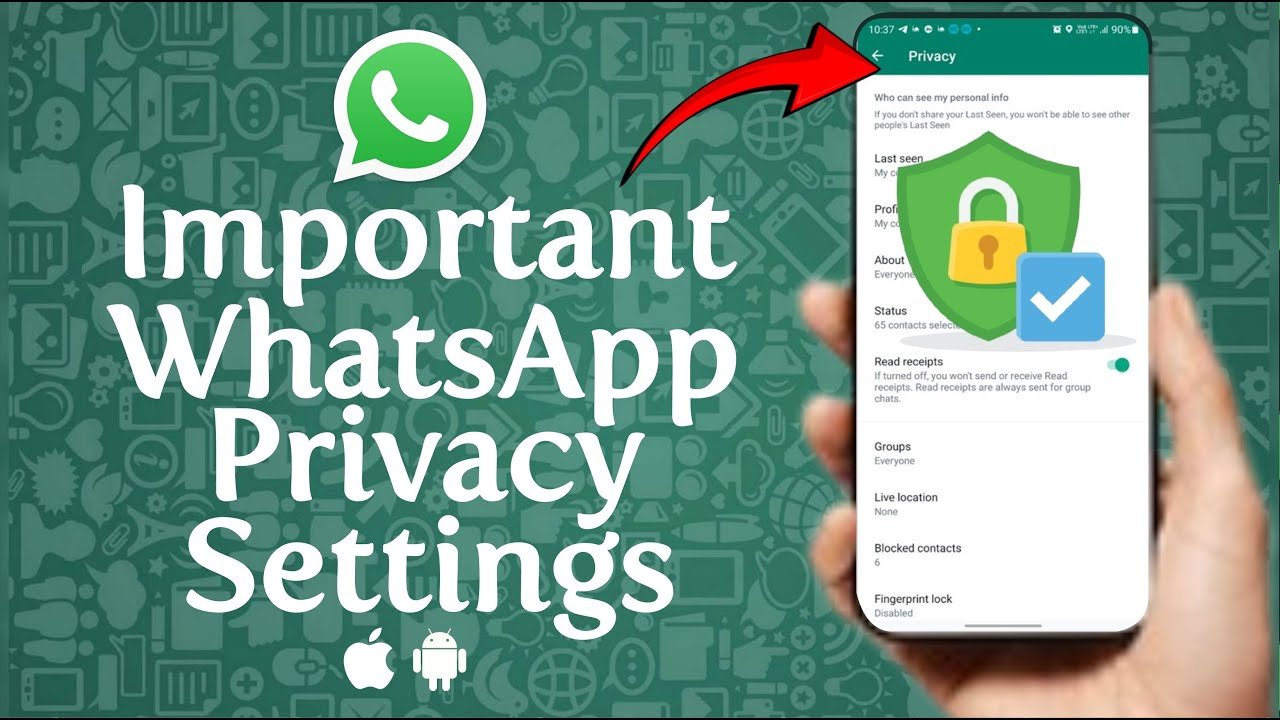
To access WhatsApp Privacy Settings, follow these steps:
- Open WhatsApp
- Tap the three dots in the top corner
- Go to Settings
- Tap Privacy
Inside the privacy section, you will find several options that allow you to control who can see your information.
Let’s explore each setting in detail.
1. Last Seen and Online Privacy
The Last Seen feature shows the last time you were active on WhatsApp. Many users don’t realize that this information can reveal their online habits.
With updated WhatsApp Privacy Settings, you can control who sees your last seen and online status.
Options Available
- Everyone
- My Contacts
- My Contacts Except
- Nobody
Best Setting for Privacy
For maximum privacy, it is recommended to choose:
My Contacts or Nobody
This prevents strangers from tracking your activity.
2. Profile Photo Privacy
Your profile photo can reveal personal details about you. Many scammers use profile photos to gather information about users.
In WhatsApp Privacy Settings, you can control who can view your profile picture.
Available Options
- Everyone
- My Contacts
- My Contacts Except
- Nobody
Recommended Setting
Set your profile photo visibility to My Contacts.
This ensures only people saved in your contact list can see your picture.
3. About Information Privacy
The About section on WhatsApp allows users to write a short description such as:
- Busy
- Available
- At Work
- Traveling
While it may seem harmless, this information can still reveal details about your daily routine.
Through WhatsApp Privacy Settings, you can limit who can see your About information.
Recommended Option
Set this to My Contacts to maintain privacy.
4. Status Privacy
WhatsApp Status allows users to share photos, videos, and text updates that disappear after 24 hours.
But if your WhatsApp Privacy Settings are not configured properly, people outside your trusted circle might see your updates.
Status Privacy Options
- My Contacts
- My Contacts Except
- Only Share With
Best Privacy Practice
Use My Contacts Except to hide status updates from certain people.
This gives you more control over your audience.
5. Read Receipts
Read receipts show blue ticks when someone reads your message.
While this feature is helpful, some users prefer more privacy when reading messages.
In WhatsApp Privacy Settings, you can disable read receipts.
What Happens If You Turn It Off?
- Others won’t know when you read their messages
- You won’t see their read receipts either
However, this setting does not affect group chats.
6. Groups Privacy Settings
One common issue WhatsApp users face is being added to random groups.
Scammers often add people to promotional or spam groups.
Thankfully, WhatsApp Privacy Settings allow you to control who can add you to groups.
Available Options
- Everyone
- My Contacts
- My Contacts Except
Best Setting
Choose My Contacts.
This ensures only people in your contact list can add you to groups.
7. Live Location Privacy
The Live Location feature allows you to share your real-time location with contacts.
While this can be useful for meeting friends or family, it can also pose privacy risks if shared carelessly.
Through WhatsApp Privacy Settings, you can manage who sees your live location.
Safety Tip
Always stop sharing live location once it is no longer needed.
8. Disappearing Messages
Disappearing messages automatically delete chats after a specific time.
This feature improves privacy and reduces the risk of sensitive messages being saved.
Available timer options include:
- 24 hours
- 7 days
- 90 days
Using disappearing messages is a great way to enhance WhatsApp Privacy Settings.
9. Chat Lock Feature
WhatsApp introduced a Chat Lock feature that allows users to protect specific chats with a password or biometric lock.
This adds an extra layer of security for private conversations.
When enabled:
- Locked chats move to a secure folder
- Notifications hide message content
This feature is very useful for protecting confidential chats.
10. Two-Step Verification
One of the most important WhatsApp Privacy Settings is Two-Step Verification.
This security feature requires a PIN when registering your phone number on WhatsApp.
Benefits
- Prevents unauthorized access
- Protects your account from hackers
- Adds an extra layer of security
To enable it:
- Open WhatsApp Settings
- Tap Account
- Select Two-Step Verification
- Set a six-digit PIN
Additional Privacy Tips for WhatsApp Users
Besides configuring WhatsApp Privacy Settings, here are some extra safety tips:
1. Avoid Sharing Verification Codes
Never share WhatsApp verification codes with anyone.
Scammers often try to trick users into revealing these codes.
2. Block Suspicious Contacts
If someone sends spam or suspicious messages, block them immediately.
3. Enable Screen Lock
Use fingerprint or Face ID to protect your WhatsApp from unauthorized access.
4. Keep WhatsApp Updated
Always update your app to get the latest security improvements.
Common Privacy Mistakes WhatsApp Users Make
Many people unknowingly compromise their privacy due to simple mistakes.
Here are a few common ones:
❌ Keeping profile photo visible to everyone
❌ Allowing anyone to add them to groups
❌ Sharing live location with strangers
❌ Not enabling two-step verification
❌ Ignoring privacy settings after installing the app
Avoiding these mistakes can greatly improve your WhatsApp Privacy Settings.
WhatsApp Privacy Settings for 2026: New Features
WhatsApp continues to improve its privacy tools to protect users.
Recent updates include:
- Chat Lock for private chats
- Improved group privacy controls
- Advanced status privacy options
- Better control over online status
These updates make WhatsApp Privacy Settings stronger than ever.
Final Thoughts
Your online privacy is extremely important, especially when using messaging apps like WhatsApp.
By properly configuring WhatsApp Privacy Settings, you can:
✔ Protect your personal information
✔ Prevent unwanted messages
✔ Keep conversations secure
✔ Control who sees your activity
Take a few minutes today to review your WhatsApp Privacy Settings and make sure they are configured for maximum privacy.
A small change in settings can make a big difference in keeping your digital life safe.